
Blog & Design Guide

Two metal-core PCB quotations can name the same dielectric thermal conductivity and still describe different thermal designs. One uses a thicker insulation layer. The other quotes a test coupon with a larger heat-source area. Neither conductivity number, by itself, tells the buyer how hot the LED solder point will become.
MCPCB thermal resistance describes a particular path for heat flow. Before comparing values, identify the two temperature locations, the power passing between them, and the physical construction. A material property, a coupon result, and a complete luminaire result answer different questions. This distinction is useful when a board meets its material specification but the assembled product still runs too hot.
Contents
Thermal conductivity, usually written k, is expressed in W/(m·K). Thermal resistance, Rth, is expressed in K/W or °C/W. A conductivity value belongs to a material under a stated test method and condition. A resistance belongs to a defined geometry and measurement boundary. Changing thickness or the area carrying heat changes resistance without necessarily changing the material.
For an ideal flat layer carrying heat straight through its thickness, Rth = t/(k × A). Use metres for thickness t and square metres for area A. The result describes that layer under a one-dimensional assumption. Heat spreading, contact resistance, a patterned copper layer, and a nearby board edge can make a physical assembly behave differently.
Consider an illustrative dielectric 0.10 mm thick, with conductivity 2 W/(m·K), over a 100 mm² heat-flow area. The ideal layer resistance is 0.5 K/W. Halving the area doubles that result. These numbers demonstrate the calculation only; they are not KnownPCB material specifications, guaranteed measurements, or a recommendation for any LED package.
Cree LED’s PCB thermal-performance application note explains the same through-plane relationship and explicitly identifies the limits of a one-dimensional calculation. Its worked constructions should be read with their heat-source dimensions and boundary conditions. A result from one package footprint cannot simply be assigned to a different footprint.
A component junction-to-case value starts inside the component package. A solder-point-to-metal-base measurement starts farther down the heat path. A board-to-heatsink interface adds another contribution, followed by the heatsink and surrounding air. Adding these terms is useful only when their reference surfaces and heat-flow assumptions agree.
Ask the supplier to draw the measurement boundary on a cross-section. State whether solder, copper foil, dielectric, metal base, interface compound, and heatsink are included. Record where the temperature sensors sit. A temperature measured beside an LED is not automatically the solder-point temperature, especially where copper patterns or nearby emitters create a gradient.
The finished panel below illustrates a metal-core circuit surface. Its appearance does not reveal the dielectric thickness, the amount of heat entering each pad, or the thermal resistance to the housing. Those details must come from the material specification, fabrication drawing, and product validation.
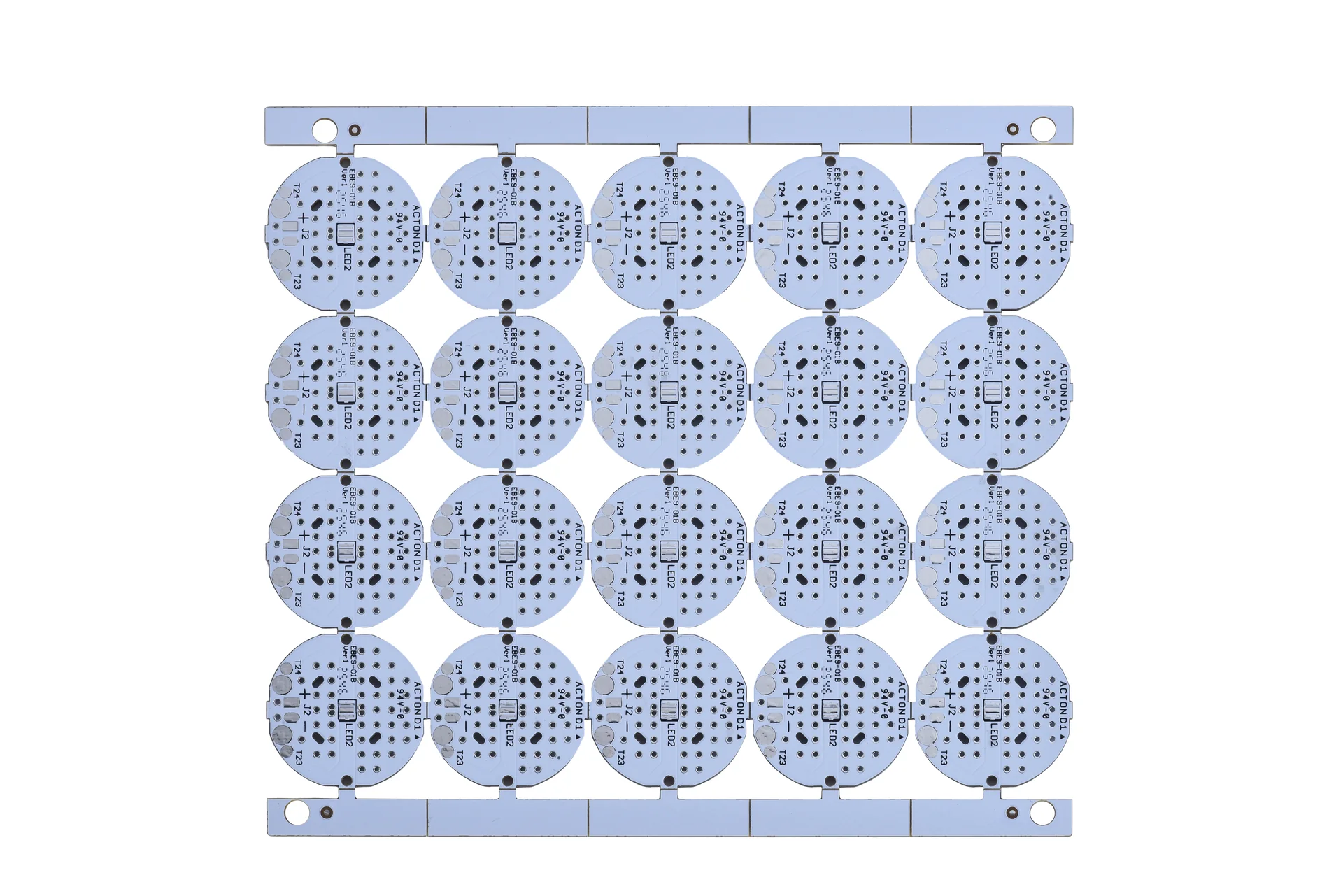
The photograph shows an aluminum-core PCB panel; its thermal resistance cannot be determined from the image.
For transient operation, retain the heating pulse and measurement time as well. A brief pulse can give a different temperature response from continuous operation because the structure stores heat. Compare steady-state results with steady-state results, and transient results with an agreed time-dependent method.
Start with the component thermal pad and copper immediately below it. A narrow copper neck or small pad can restrict spreading before heat reaches the dielectric. Enlarging the metal base does not restore copper area that the electrical layout has removed. Review the footprint and the copper artwork together.
Next inspect the dielectric choice. Thickness is part of the thermal calculation and part of the electrical insulation design. Reducing it solely to improve a thermal number may conflict with the required insulation construction. The correct comparison holds the electrical requirement constant and asks which available material and thickness can meet both needs.
Then inspect the metal-to-housing contact. Flatness, mounting pressure, interface coverage, and the location of fasteners affect contact. A thicker interface layer can dominate a board improvement. If a laboratory comparison changes both the PCB material and the mounting arrangement, it cannot isolate the benefit of the new PCB.
Henkel’s THERMAL CLAD selection document discusses dielectric and copper-foil thickness alongside heat spreading. Its material data provide a basis for selecting and comparing particular laminate constructions. The appropriate engineering response is to request the exact product designation and test method, rather than combine the best value from several unrelated grades.
The lamination photograph provides manufacturing context. It does not identify the material grade, bond-line thickness, or thermal result of this article’s illustrative calculation.
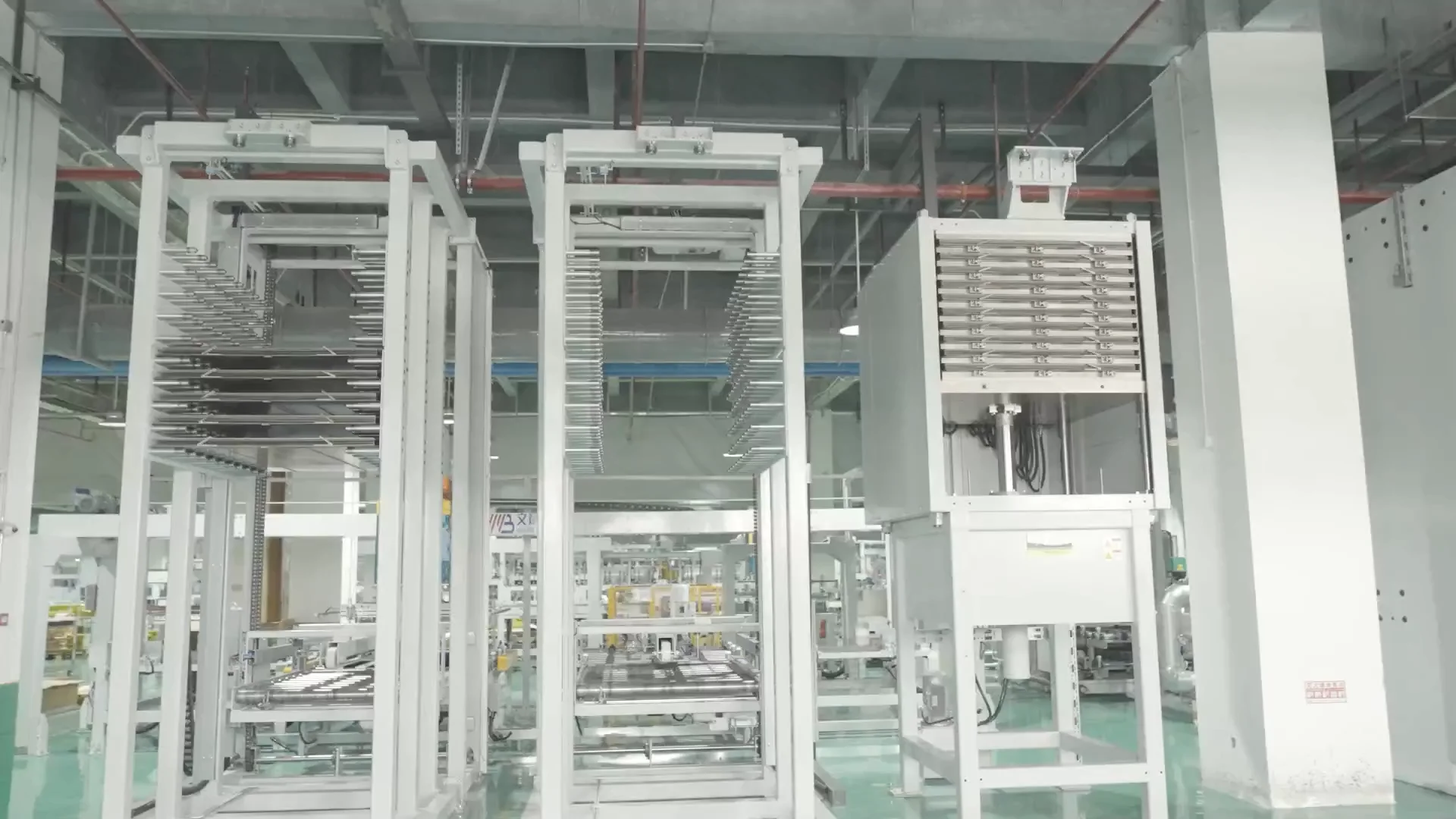
The equipment photograph illustrates PCB lamination context, not a specific dielectric thickness or qualified stackup.
Use the KnownPCB metal-core PCB page to discuss the proposed construction, then attach the stackup you need. The broader metal-core material-selection article covers substrate choices. For a thermal-resistance review, keep the request narrower: material designation, finished dielectric thickness and tolerance, copper geometry, metal thickness, heat-source footprint, and intended mounting contact.
Define the operating condition in the test plan: power loss rather than electrical input power alone, neighbouring heat sources, ambient temperature, airflow, heatsink boundary, and time to equilibrium. State the temperature limit and measurement locations. Optical power leaving an LED is not heat that must all pass through the PCB.
When two candidates are compared, keep the component placement, solder process, housing, fasteners, and interface application consistent. Repeat enough assemblies to understand the spread. If a result changes after remounting the same board, investigate contact variation before attributing the difference to the dielectric.
Request material identification and the agreed inspection records with the order. A material datasheet is evidence about that material; it does not replace thermal validation of the assembled product. A continuity test establishes a different property. Specify each requirement according to the decision it supports.
Send the stackup and thermal boundary drawing with a metal-core PCB manufacturing enquiry. Include the dielectric datasheet already used in your thermal model and identify any substitutions that require approval. That makes the proposed construction reviewable before the thermal model and procurement specification diverge.
October/09/2026ENIG Nickel and Gold Thickness: Drawings, XRF, and Reports
September/01/2026LED Aluminum Core PCB Design to Manufacturing
February/26/2026PCB Warpage: CTE Mismatch, Asymmetric Stack-Ups, Copper Imbalance and Reflow Control
February/25/2026Rigid-Flex PCB Benefits: Fewer Connectors, Space Savings and Higher Reliability
May/11/2026PLC PCB Design Guides
Proven by 7 industries, 4000+ customer projects
Please contact us at sales@knownpcb.com, ask for engineering support here or use the form below to reach out to KnownPCB | Request a Manufacturing QuoteInclude your quantity, target delivery date and key requirements. File handling and NDA information. |